
The Online Ordering Setup Checklist for New Restaurants
A short, practical checklist for launching owned online ordering that your kitchen can actually keep up with.
June 18, 2026
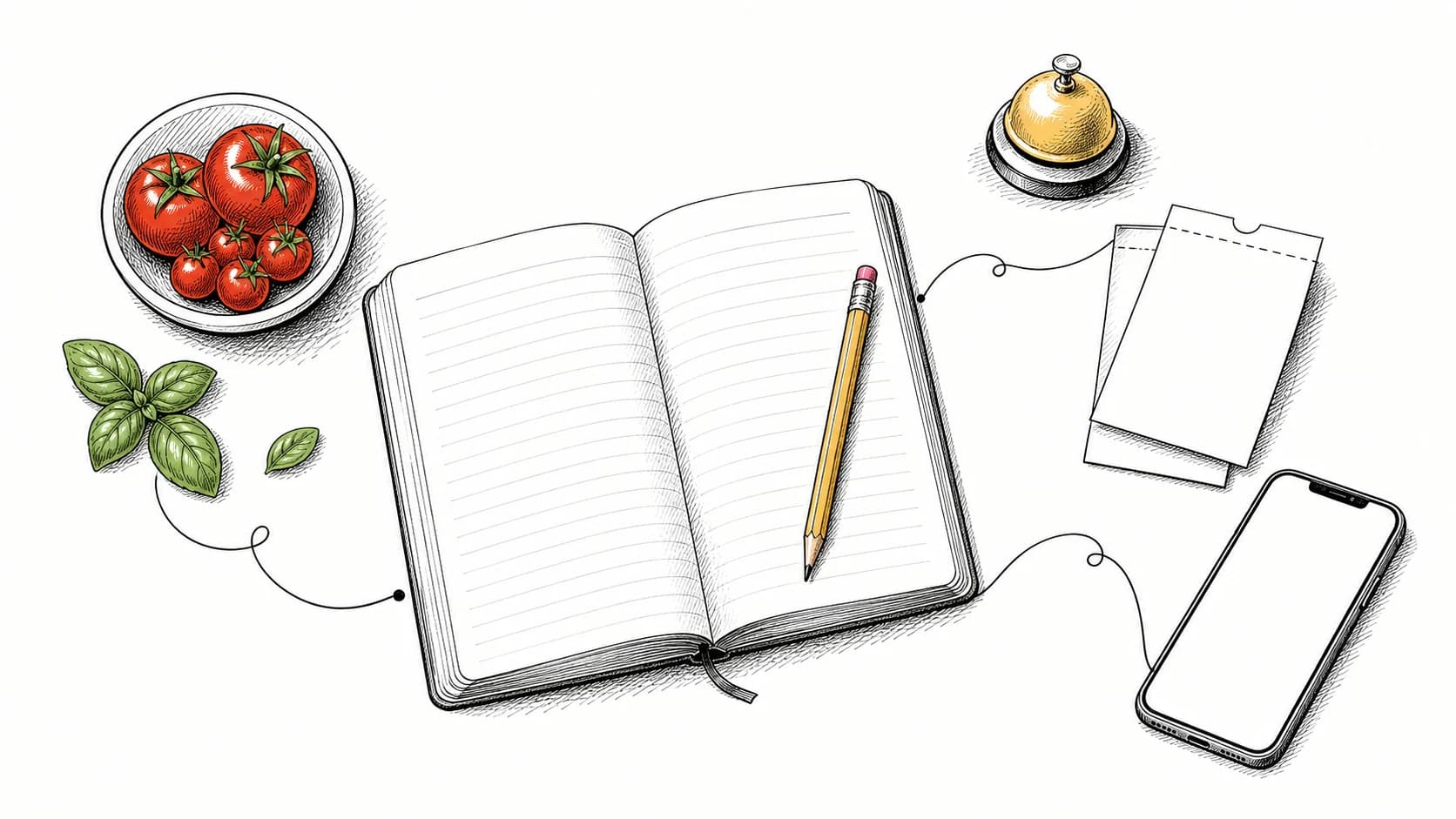
Before promoting online ordering, confirm the menu, kitchen routing, prep times, pickup limits, and guest-ready communication.
- Build the online menu around what travels and holds well.
- Set prep times and pickup limits before accepting volume.
- Test every order path before launch day.
Build the online menu around food that travels well
Some dishes do not hold up during packing and travel. Before launch, identify what travels well and adjust, reprice, or remove what does not.
A focused online menu is easier for the kitchen to execute at volume and easier for the guest to navigate.
- Flag items that hold and travel well
- Simplify modifiers that slow the line
- Photograph your top sellers first
Set prep times and pickup limits before launch
Accepting more orders than the kitchen can prepare creates inaccurate pickup promises. Prep times and per-window limits help control that volume.
Set realistic quote times so guests receive useful ready estimates and the kitchen can manage the expected order load.
Test the full path from checkout to kitchen
Before launch, confirm that each test order reaches the correct station and that status changes appear at expo and on the ready board.
With Plate, orders move from checkout to the kitchen display and ready board. Testing that complete path verifies the configuration before guests use it.
Continue evaluating Plate workflows.
QR Code Menu Best Practices for Cleaner Handoffs
How to design a scan-to-order menu that loads quickly, stays accurate, and hands each order cleanly to the kitchen.
A Food Truck Playbook for Order-Ahead and Ready Handoffs
Use order-ahead, a live ready board, and text alerts to organize demand around a small food-truck crew.
Kitchen Display vs Paper Tickets: What Changes on the Line
See how a kitchen display changes station routing, ticket-time visibility, and order handling during a rush.